Tag Archives: certification

What’s New and What’s Coming from CBT Nuggets

CBT Nuggets

We are always creating new content for you here at CBT Nuggets. Here is your October News Flash with the details! In an act of shameless self-promotion, I listed my courses in BOLD. What would you like to see from CBT Nuggets? Let me know in the comments area below this post.

JUST RELEASED

  • Ansible Essentials
  • AWS Certified SysOps Administrator – Associate
  • CompTIA Security+ (SY0-501)
  • Installation, Storage, and Compute with Windows Server 2016 (Exam 70-740)
  • IT Expertise: Building and Configuring a Business Switch Network
  • Microsoft Teams
  • Salesforce Admin – Classic Interface
  • Soft Skills for ScrumMasters
  • VMware vSphere 6.5 (VCP6.5-DCV)
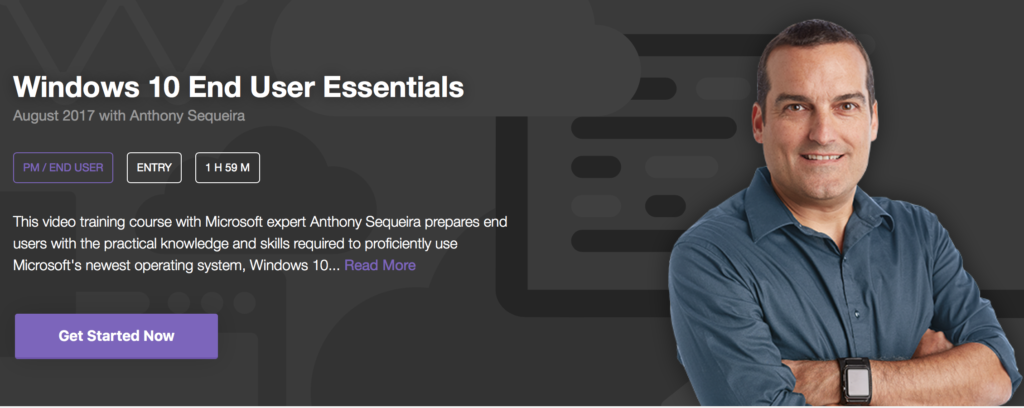
  • Windows 10 End User Essentials

IN DEVELOPMENT

  • End User Security Awareness
  • Designing and Operating Defensible Network Architectures
  • Agile Essentials
  • IT Expertise: Building and Configuring a Business Wireless Network
  • CompTIA Cloud Essentials (CLO-001)
  • Microsoft MCSA SQL Server 2016 70-761
  • Everything Linux
  • Microsoft Azure 70-533 with ARM Updates
70-742 Additional Notes – Software Deployment Using Group Policy

70-742

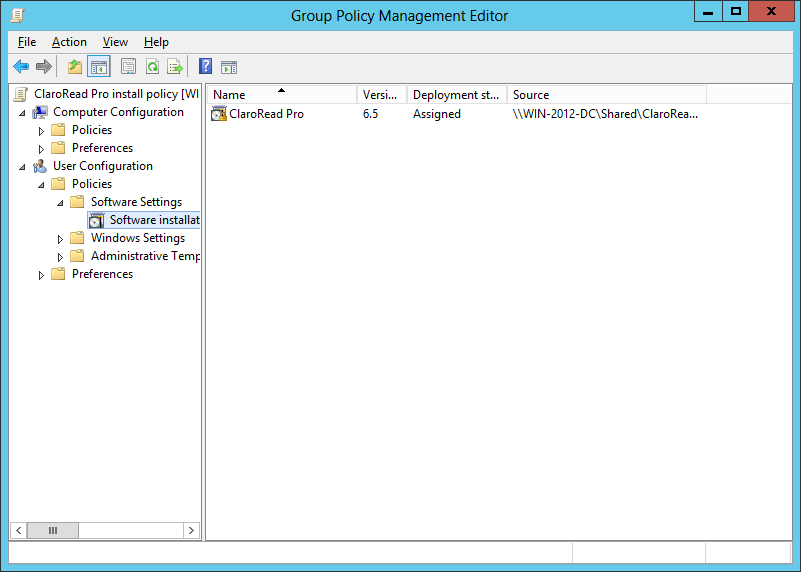
Group Policy is one of your many options for automating the deployment of software in your Enterprise and is a huge topic for the 70-742 exam. You can use such policy to deploy applications to computer or users. Be sure to audit your Group Policy settings to ensure that you are only deploying the application once to a target user or system. Obviously, whenever possible, consider having the policy for distribution as high up in the directory structure as possible.

Windows Installer packages make software distribution in in this manner possible. You assign or publish the software using Software Installation in Group Policy. This is only possible if your file type fits one of the following categories:

  • Native Windows Installer package (.msi)
    • Provide the best overall deployment experience
    • Take full advantage of the Windows Installer
    • Allows for components to install on demand and also permits applications to self heal
    • You can enact modifications with a .mst file
    • You can enact software patches with a .msp file
  • Repackaged application (.msi) files
    • You can repackage an application that does not have a native Windows Installer Package
    • Keep in mind that the installation occurs as a single component; unlike what is possible with native Windows Installer Packages
  • An application file (.zap) – this installs the application by using its original setup.exe program; note that these files can only be published, not assigned
    • Define the setup.exe or install.exe into a .zap file in order to deploy them
    • A .zap file is a text file that contains information on how to publish the application
    • This approach is less flexible than native Windows Installer packages – for example, you would not be able to override the need for administrative privileges for installation

    InformIT (Pearson Education)